




Vgate iCar Pro Bluetooth 4.0 OBD2 Scanner — iOS/Android Code Reader, Live Data Dongle (Black)
- $86.06
- $86.06
- Unit price
- per
Vendor:
Vgate
Availability:
In stock
Subtotal:
$86.06
Free shipping across Canada
No minimum order. Tracked delivery.
Free 30-day returns
Prepaid return label by email.
Fitment question?
Email northtrailauto@gmail.com


Product details
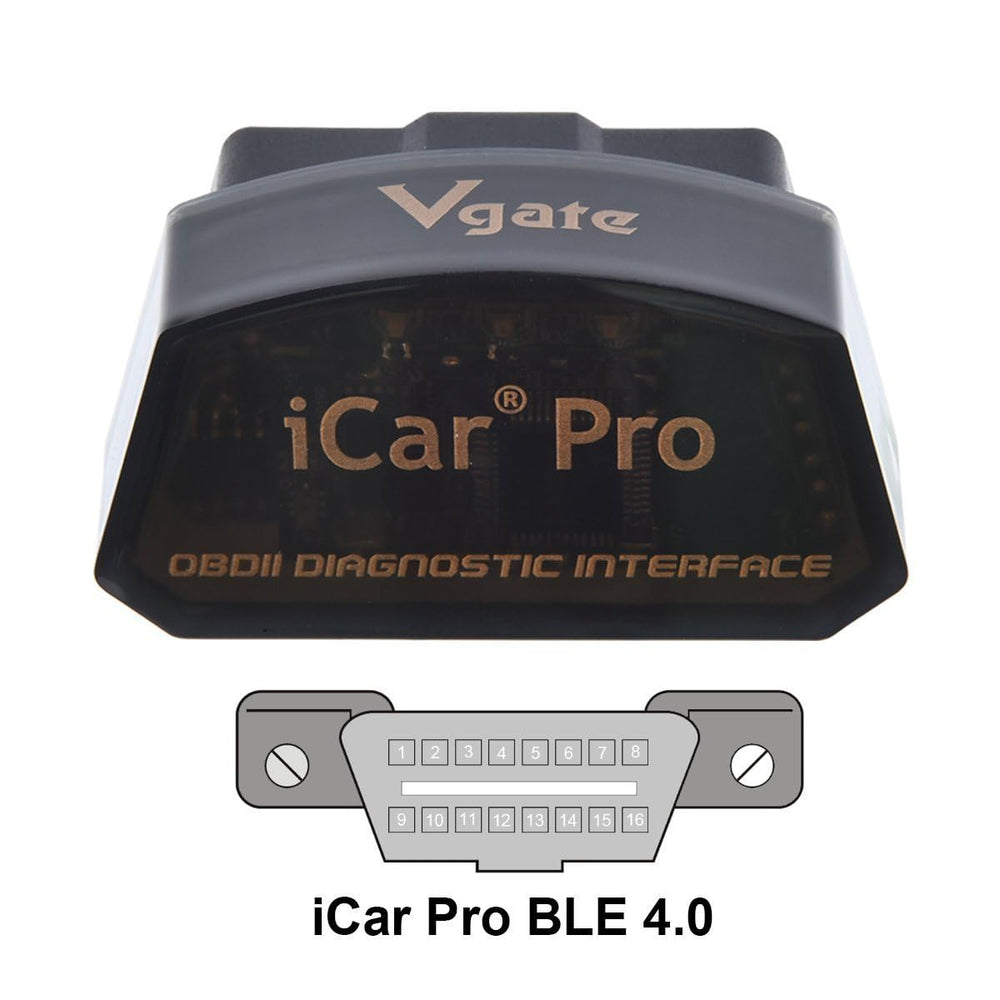
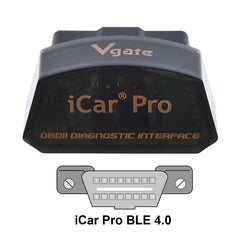
xThe Vgate iCar Pro Bluetooth 4.0 is a compact OBD2 adapter that connects to iOS and Android devices to read and clear engine fault codes and stream live vehicle data.
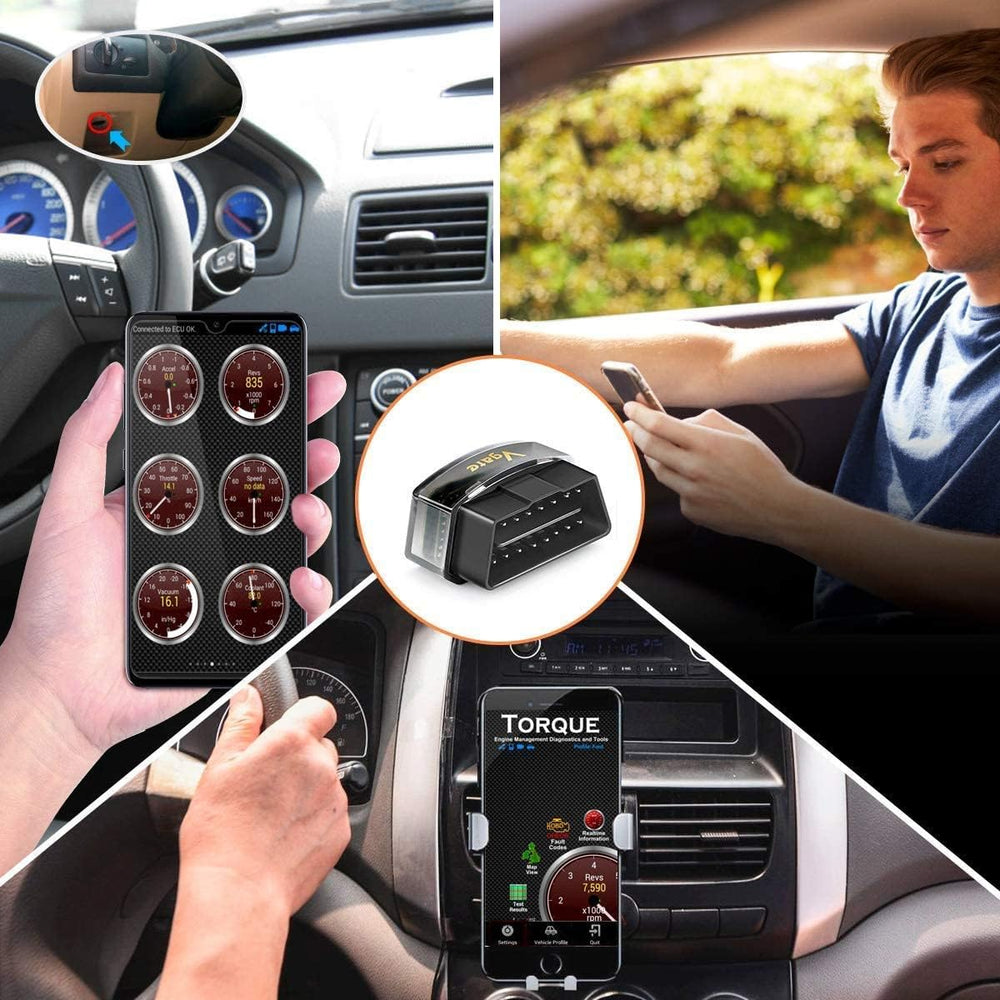
If your check engine light is on or you want real-time engine information without a bulky tool, this plug-and-play Bluetooth 4.0 OBD2 dongle turns a smartphone or tablet into a diagnostic scanner. Designed for 12V gasoline cars and light-duty diesel vehicles built from 1996 onward, the iCar Pro offers low power draw, simple setup, and broad app compatibility so you can inspect engine codes, monitor sensor values, and perform basic troubleshooting on the go.
How do I install and start using the Vgate iCar Pro?
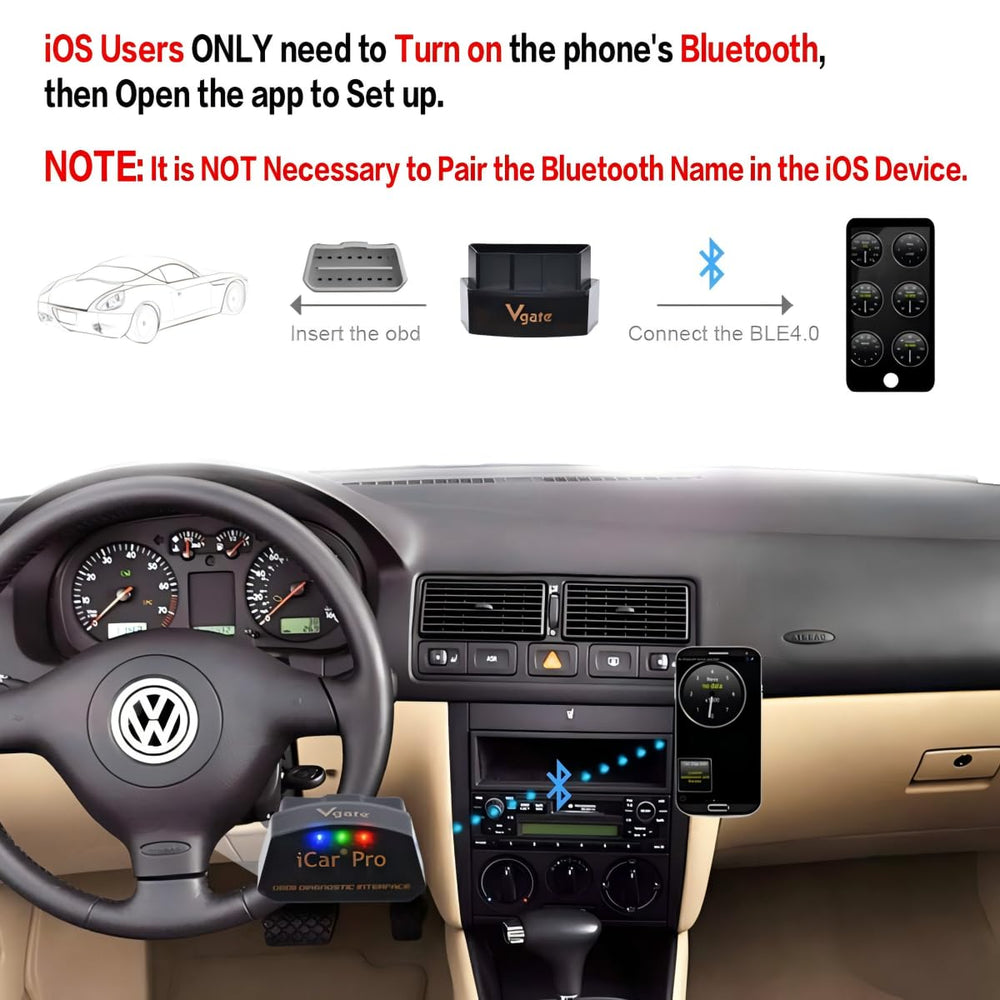
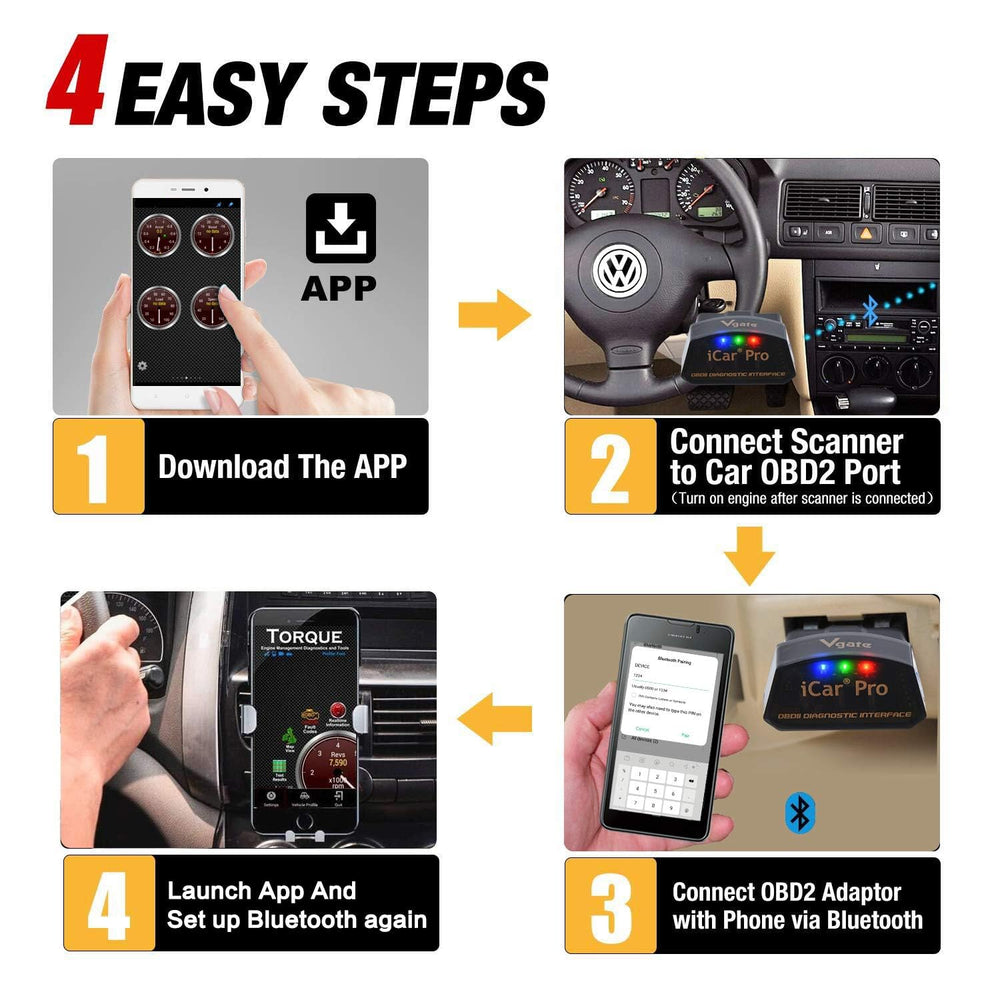
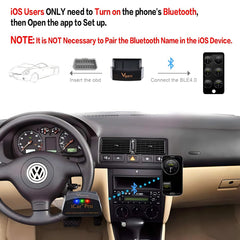
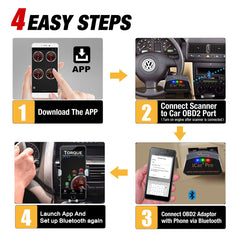
Installation is straightforward: locate your vehicle's OBD2 port, insert the dongle, enable Bluetooth on your phone, and open a compatible OBD2 app. iOS devices connect directly through supported apps without manual pairing; Android requires pairing to the device named "Android-Vlink" using PIN 1234. No special tools are needed.
- Find the OBD2 port—usually under the dashboard or near the steering column.
- Plug in the iCar Pro; LED pattern confirms power and status.
- Enable Bluetooth on your phone; open a supported app like Torque or OBD Fusion.
- For Android, pair to "Android-Vlink" with PIN 1234 if prompted.
What vehicle types and protocols does this OBD2 adapter support?
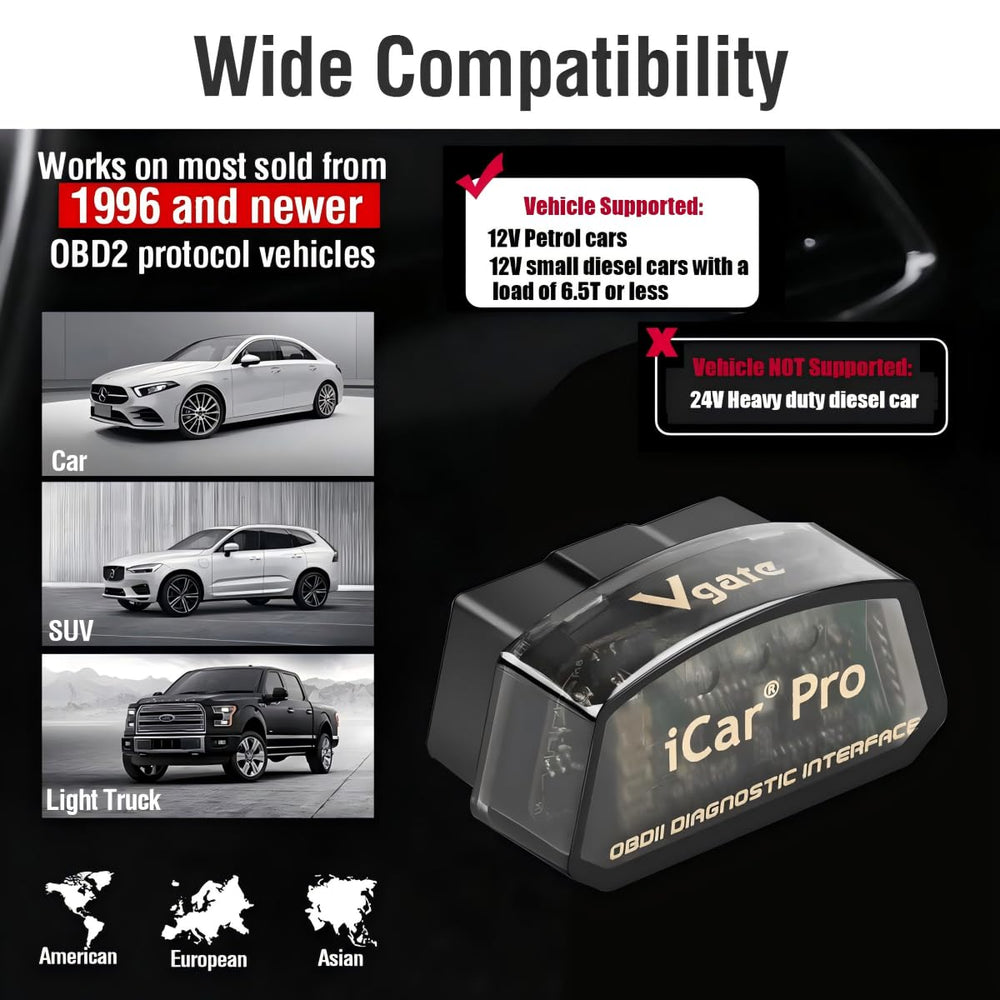
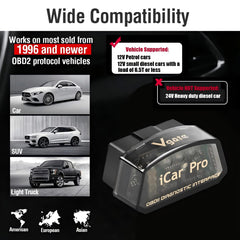
This adapter supports standard OBD2 functions for 12V gasoline vehicles made from 1996 onward and light-duty diesel vehicles up to 6.5 tons from 1996. It does not support 24V diesel vehicles, MS-CAN protocol, or manufacturer-specific advanced modules like ABS or SRS.
- Compatible: 12V gasoline cars (1996+), light-duty diesel (≤6.5 tons)
- Not compatible: 24V diesel vehicles and some heavy-duty systems
- Supports basic OBD2 PIDs; advanced systems may need factory tools
- MS-CAN protocol is not supported by this unit
How does the iCar Pro manage power and device behavior while plugged in?
The adapter is built for low energy consumption with auto-sleep and auto-wake features, drawing as little as 3mA in sleep mode to avoid draining the vehicle battery. Note that auto-wake may not work reliably on electric or hybrid cars, where reinserting the device can be necessary to reactivate the connection.
- Auto-sleep reduces power draw to about 3mA when idle.
- Auto-wake resumes operation when vehicle or app activity is detected.
- May require reinsertion for wake on some hybrid/electric vehicles.
- Less interference with phone internet than Wi‑Fi OBD2 models.
Which apps and features work with this Bluetooth OBD2 reader?
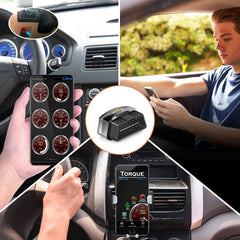
The iCar Pro is compatible with many popular OBD2 apps — for example Torque, Car Scanner ELM327, OBD Fusion, and Dr. Prius — enabling live data graphs, code reads/clears, and basic diagnostics. Some apps provide enhanced features via in-app purchases; the adapter supports firmware updates to maintain compatibility and fix bugs.
- Works with widely used apps on iOS and Android.
- iOS: connect through the app without manual Bluetooth pairing.
- Android: pair as "Android-Vlink" using PIN 1234 when needed.
- Firmware updates available via official tools for long-term support.
Who is this for? The Vgate iCar Pro Bluetooth 4.0 suits DIY vehicle owners and small-shop technicians who need an affordable, portable way to read and clear engine codes, view live sensor data, and perform routine OBD2 checks. If you want advanced manufacturer-specific module access (ABS, SRS, TPMS) or support for heavy-duty 24V systems, consider a dedicated professional scan tool instead. For everyday diagnostics on compatible 12V cars and light diesel vehicles, the iCar Pro offers a lightweight, energy-efficient solution that pairs easily with common smartphone apps.
FAQ
Q: Will this work with my 2004 gasoline car?
A: Yes — it supports 12V gasoline vehicles from 1996 onward, so a 2004 model is compatible.
Q: Does it need pairing on iPhone?
A: No manual Bluetooth pairing is required on iOS; connect directly through a compatible OBD2 app.
Shipping & Returns
xFree shipping across Canada on every order, with no minimum. Orders are processed within 1 business day and standard delivery across Canada usually takes 2 to 5 business days after processing, with tracking by email. See the shipping policy.
Free 30-day returns. You have 30 days from delivery to start a return. Return shipping is free: email us your order number and we send a prepaid label. See the return & refund policy.
Not sure it fits? Email northtrailauto@gmail.com with your year, make, model and engine and we reply within 1 business day.
You may also like


You might also need
Shop the category
- Choosing a selection results in a full page refresh.